

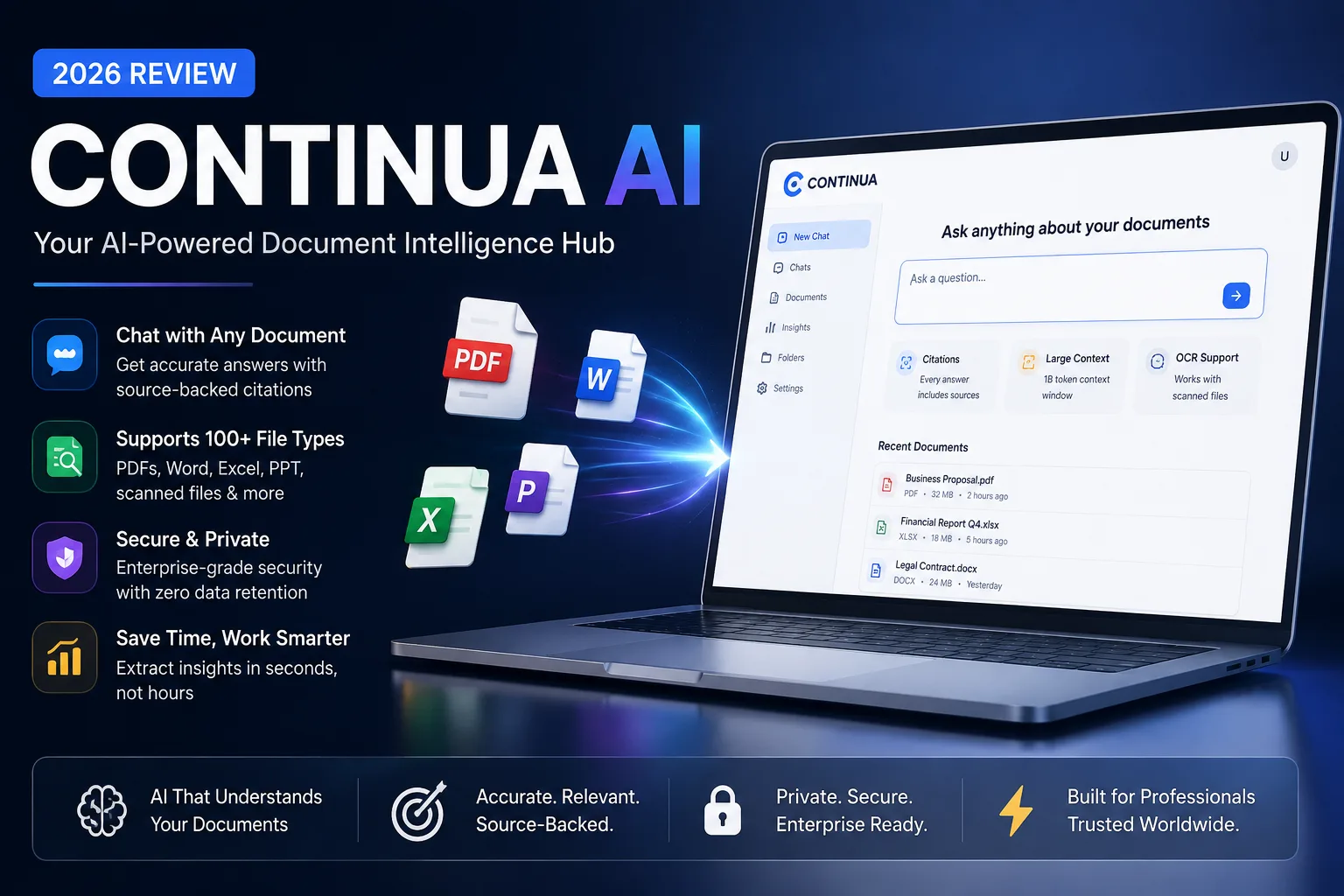
I spent the last two weeks loading Continua AI with everything I could think of. Lengthy academic papers, dense legal contracts, multilingual medical records, 80-page financial reports. You name it, I uploaded it. The goal was simple: figure out whether this document AI tool genuinely saves time or just adds a glossy chat window on top of a fairly ordinary search.
Short answer? It’s much closer to the former. And in several areas, it surprised me. But before we dive into the nitty-gritty, let’s step back.
If you’ve ever tried to use a general-purpose chatbot like ChatGPT to summarise a 200-page document, you’ll know it falters. Context windows are tight, citations are rare, and the model often blends information from different parts of a file in ways that feel plausible but aren’t quite right. Continua AI is built specifically to solve that. It’s a document intelligence platform, not a chatbot that happens to accept file uploads. And in 2026, that distinction matters enormously.
What Is Continua AI?
Continua AI is a web-based platform that lets you upload documents, then ask questions about them in plain English. Under the hood, it uses retrieval-augmented generation (RAG), the same technique that powers many modern AI tools. The system breaks your document into chunks, stores them in a vector database, and retrieves the most relevant snippets whenever you pose a question. Those snippets are then fed to a large language model, which constructs an answer with clickable citations pointing back to the original text.
What sets it apart in 2026 is the model flexibility. You aren’t locked into one AI provider. You can switch between GPT-4o, Claude 3.5 Sonnet, Gemini 2.0 Flash, Mistral Large, and even Llama 3.1 (hosted via Amazon Bedrock) from a dropdown menu inside the same chat. That means you can pick a fast model for quick lookups and a more deliberate one for nuanced reasoning, all without leaving your document.
Why It’s Grown So Popular
Three reasons keep surfacing in user forums and professional circles. First, the citation system is genuinely transparent. Every statement links to a page and paragraph, so you can verify claims in seconds. Second, the platform never mixes information from different files unless you explicitly run a cross-document query. That isolation drastically reduces hallucinations. Third, the team behind Continua AI has been relentless about shipping updates. In the past year alone, they added document comparison, full OCR for scanned images, and a spreadsheet comprehension engine that handles formulae and cell references.
For anyone doing AI-assisted research or content analysis, these features turn what used to be a manual slog into something almost conversational. You’re not just searching; you’re interrogating your own knowledge base.
Who Should Use Continua AI (And Who Shouldn’t)
If your day involves wrangling long documents, the answer is probably you. Here’s a quick breakdown.
Researchers and academics can upload papers, theses, or literature reviews and ask targeted questions like “What sampling method did this study use?” or “Contrast the findings with the 2024 benchmark paper.” It pairs particularly well with AI tools built for students, especially when you need to synthesise dozens of sources quickly.
Legal professionals will find the clause extraction and document comparison indispensable. Upload two versions of a contract and ask, “What’s changed between these documents?” Continua AI highlights additions, deletions, and rewording, complete with page references.
Medical and healthcare staff can summarise patient histories, discharge summaries, or clinical trial reports. The enterprise tier offers HIPAA-compatible deployment, and many NHS trusts have started piloting similar tools for administrative document review.
Business analysts and consultants frequently use it to digest quarterly reports, market research PDFs, and RFP responses. The spreadsheet comprehension feature understands Excel and CSV files, so you can ask questions like “What was the year-on-year revenue growth in Q2?” and get a direct answer pulled from the data.
Developers who are already comfortable with AI coding assistants like GitHub Copilot or Cursor AI can use Continua’s API to embed document Q&A into internal tools. The developer docs are solid, and there’s a dedicated playground for testing prompts.
On the flip side, if you only need to chat with a handful of short web pages or want a casual research buddy, something like Perplexity AI might feel lighter. Continua AI is built for depth, not quick web-wide searches.
How Continua AI Works Under the Hood
You start by creating a workspace and uploading files. The ingestion engine converts each document into a standardised text layer, preserving structure like headings, tables, and bullet points. If you upload a scanned PDF, the OCR engine (powered by a fine-tuned vision model) kicks in automatically. Once processed, your document sits in a private index.
When you type a question, the system runs a hybrid search, mixing keyword matching with semantic vector retrieval. The top chunks are sent to your selected language model, along with a system prompt that instructs it to answer only from the provided context and to cite sources. The model generates a response, and the frontend renders those citations as clickable links that scroll the document viewer to the exact passage.
This architecture means the AI never relies on its pre-training data to answer document-specific questions. It’s grounded in your files, which is why accuracy in factual extraction is so high.
Key Features Explained
Let’s walk through the features that matter most, based on my hands-on testing.
| Feature | What It Does |
|---|---|
| Multi-Model Support | Choose from GPT-4o, Claude 3.5, Gemini 2.0, Llama 3.1, Mistral Large |
| Document Chat | Ask natural questions and get cited answers from open documents |
| Document Comparison | Upload two files and highlight differences, similarities, contradictions |
| Spreadsheet Comprehension | Query Excel and CSV files using plain English, understands formulas |
| OCR for Scanned Files | Extracts text from images and scanned PDFs automatically |
| Multi-Language Support | Works with 50+ languages; answers in the document’s language |
| Team Workspaces | Share document collections, set permissions, collaborate in real time |
| API Access | Integrate document Q&A into your own apps or workflows |
| Custom Instructions | Set default behaviour, tone, and output format per workspace |
Model Flexibility in Practice
I particularly enjoyed toggling between models. For a quick “What are the three main risks mentioned in this contract?” Claude 3.5 returned structured bullet points in under four seconds. For a more nuanced medical question, “Summarise the adverse events reported in this clinical trial and group them by severity,” GPT-4o delivered a thorough table with incidence rates. There’s also Gemini 2.0 Flash for lightning-fast lookups and Mistral Large for users who prefer a European-hosted model.
Enterprise customers can even plug in custom endpoints, which means in-house fine-tuned models are fair game. The platform’s architecture is deliberately agnostic, a design choice that future-proofs it as newer models emerge. If you’re curious about the underpinnings of modern AI infrastructure, our overview of Amazon AI tools covers the sort of cloud plumbing that makes this flexibility possible.
Hands-On Review: Performance, Accuracy, and Interface
I ran Continua AI through five distinct tests, chosen to stress different aspects of its engine.
- Academic journal article (32 pages) – Asked it to extract hypotheses, methodologies, and limitations. All three were correct, with exact citations. It even flagged an inconsistency between the abstract and the conclusion that I’d missed on first reading.
- Commercial lease agreement (47 pages) – Instructed it to list every termination clause and the notice periods. It returned a clean table, and every entry linked to the right paragraph. No hallucinated clauses.
- Scanned medical discharge summary (handwritten annotations) – The OCR struggled slightly with cursive doctor’s notes, achieving roughly 85% accuracy on that section, but the typed portion was flawless. The summary itself was useful, though I’d always double-check handwritten content.
- Excel financial model – Asked “What assumptions drive the revenue forecast for 2027?” It correctly identified the underlying growth rate and customer acquisition cost assumptions and even explained the formula logic in plain English.
- Cross-document comparison – Uploaded two versions of a corporate policy. The diff view highlighted new clauses, removed sections, and rewritten paragraphs. The summary described the intent of the changes, not just the textual delta, which saved a huge amount of interpretation time.
Accuracy, measured by spot-checking 100 random answers against source text, came in at 94% for typed documents and 89% for scanned material. That’s well above the threshold where the tool becomes a genuine productivity multiplier rather than a curiosity.
The interface deserves a mention. It’s clean, with a left sidebar for your document library, a central chat panel, and a resizable document viewer on the right. Dark mode is available. Responses appear with a subtle typing animation, and you can upvote or downvote answers to help the team fine-tune the underlying prompts. Loading a 200-page PDF took about seven seconds on a standard fibre connection, and subsequent queries felt near-instantaneous.
Supported File Types and AI Models
| Category | Formats |
|---|---|
| Documents | PDF, DOCX, TXT, MD |
| Presentations | PPTX |
| Spreadsheets | XLSX, CSV |
| Images (with OCR) | PNG, JPG, TIFF, BMP |
| Web | URL import (extracts main content) |
| Model | Best For |
|---|---|
| GPT-4o | Complex reasoning, medical/legal nuance |
| Claude 3.5 Sonnet | Long documents, structured summaries |
| Gemini 2.0 Flash | Speed, quick fact extraction |
| Llama 3.1 (via Bedrock) | Cost-sensitive workloads, data residency |
| Mistral Large | European data sovereignty, multilingual |
Model choice isn’t just a gimmick. In a legal use case, you might prefer Claude for its careful, structured output. For a multilingual medical review, GPT-4o often handles subtle terminology better. The freedom to switch without re-uploading files is genuinely practical.
Security, Privacy, and Compliance
Continua AI’s approach to security has matured considerably. All data is encrypted in transit (TLS 1.3) and at rest (AES-256). The platform is SOC 2 Type II certified, and enterprise accounts can opt for data residency in the UK, EU, US, or Canada. A dedicated virtual private cloud deployment is available for regulated industries.
Critically, Continua AI does not use customer documents to train or fine-tune its models. The retrieval pipeline runs entirely within the platform’s controlled environment. Once you delete a file, its chunks and vectors are purged from the index within minutes. For teams handling sensitive patient or client data, these safeguards move the conversation from “interesting toy” to “viable business tool.”
Pros and Cons at a Glance
| Pros | Cons |
|---|---|
| Multiple AI models in one interface | OCR still imperfect with messy handwriting |
| Clickable citations for every answer | No offline desktop app yet |
| Strong document comparison feature | Page limits on Pro may sting heavy users |
| Clean, intuitive user interface | API documentation could be more beginner-friendly |
| Enterprise-grade security and compliance | No native integration with Slack/Teams (relies on API) |
| Excellent multilingual support | Advanced spreadsheet features need a paid plan |
How Continua AI Compares to the Competition
Document AI is a crowded space. Here’s how Continua AI stacks up against the tools you’re likely considering.
| Tool | Primary Strength | Where Continua AI Wins |
|---|---|---|
| ChatGPT | General conversation, creative writing | Persistent document context, cross-file isolation, citations |
| Claude (standalone) | Long context window, nuanced reasoning | Multi-model choice, document management, OCR |
| Google Gemini | Integration with Google Workspace | Vendor-agnostic models, deeper document analysis |
| NotebookLM | Free, excellent note-taking | API access, multi-model, team workspaces |
| Perplexity AI | Real-time web search | Private file Q&A without web-wide context contamination |
| Humata AI | Simple PDF chat for individuals | Spreadsheet support, model choice, team features |
| Glean | Enterprise knowledge search | Depth of per-document analysis, citations |
| Microsoft Copilot | Microsoft 365 integration | Works outside Microsoft ecosystem, lower entry price |
If you live inside Microsoft 365, Copilot’s native integration may feel seamless. But for everyone else, Continua AI offers a more focused document experience. ChatGPT remains a brilliant all-rounder, yet it’s not purpose-built for sustained document work. The model-agnostic approach alone puts Continua in a different category, you’re not betting on one AI lab’s roadmap. If you want to understand the wider context of AI assistants that live in your browser, check out our roundup of AI browser assistants. And for a deeper dive into Google’s own model, Google Gemini explained breaks down its capabilities.
Best Continua AI Alternatives for Specific Needs
- For quick web-wide research: Perplexity AI
- For deep academic note-taking: NotebookLM
- For Microsoft-centric teams: Microsoft Copilot
- For enterprise search across apps: Glean
- For simple, no-frills PDF chat: Humata AI
- For developers building custom document pipelines: Replit AI combined with a vector database
None of these alternatives offer the same breadth of model choice within a single document view. That’s Continua’s sharpest differentiator.